Tutorial
See step by step how to use the Waby app.
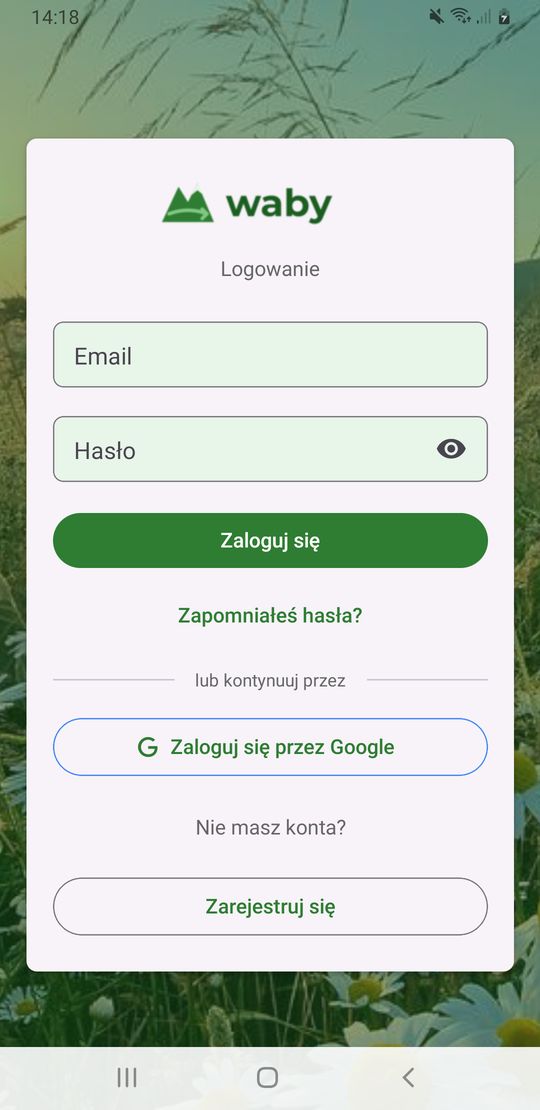
On the login screen, tap Sign Up.
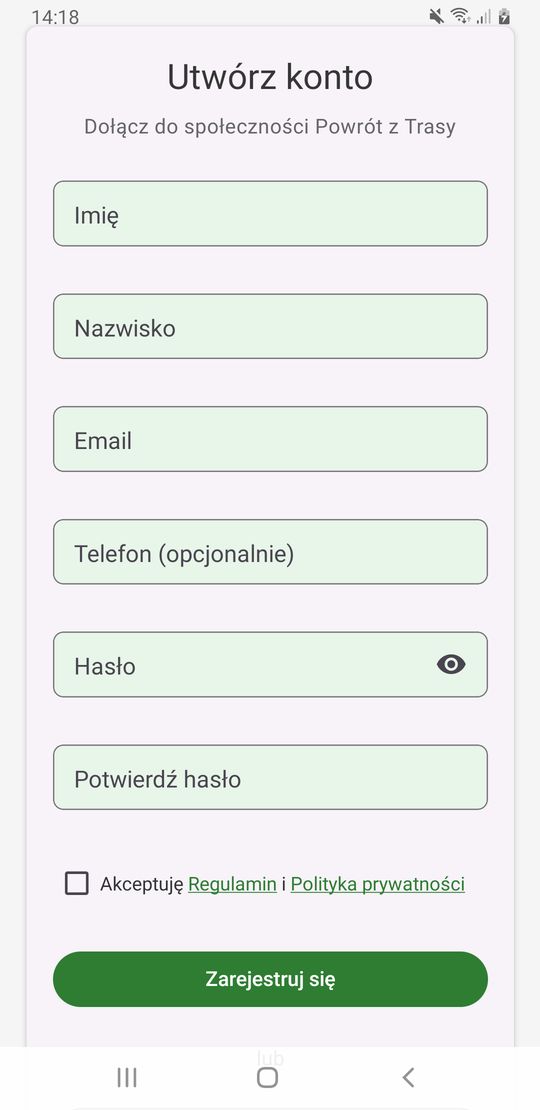
Enter your first name, last name, email and password. Accept the terms and tap Sign Up.
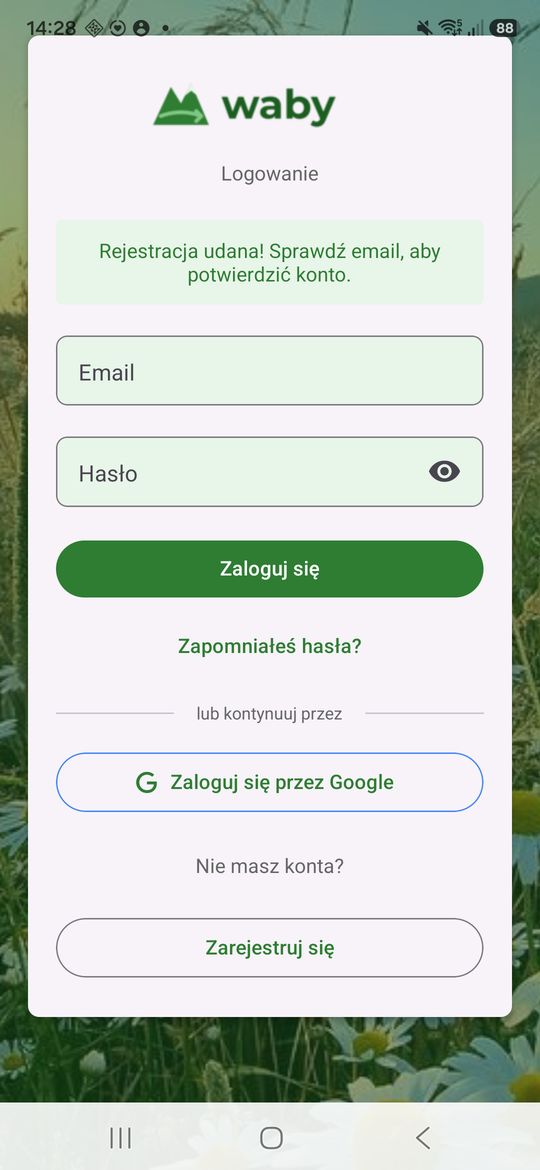
Open the email from Waby and click the activation link. You can't log in without it.
Enter your email and password, then tap Log In. You can also log in with Google.
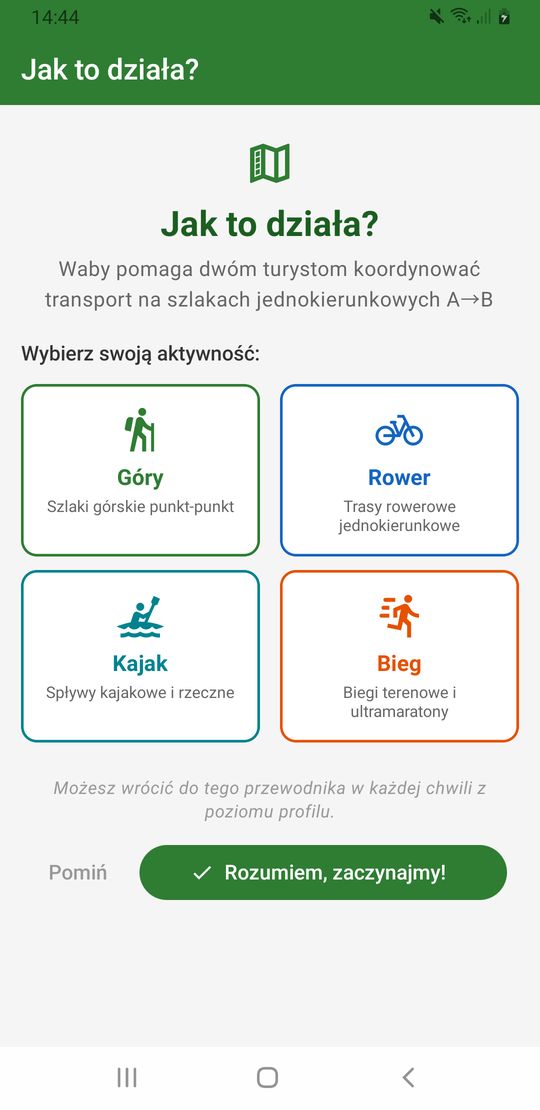
On your first login you'll see a short guide. Choose your activity and tap Got it, let's start!
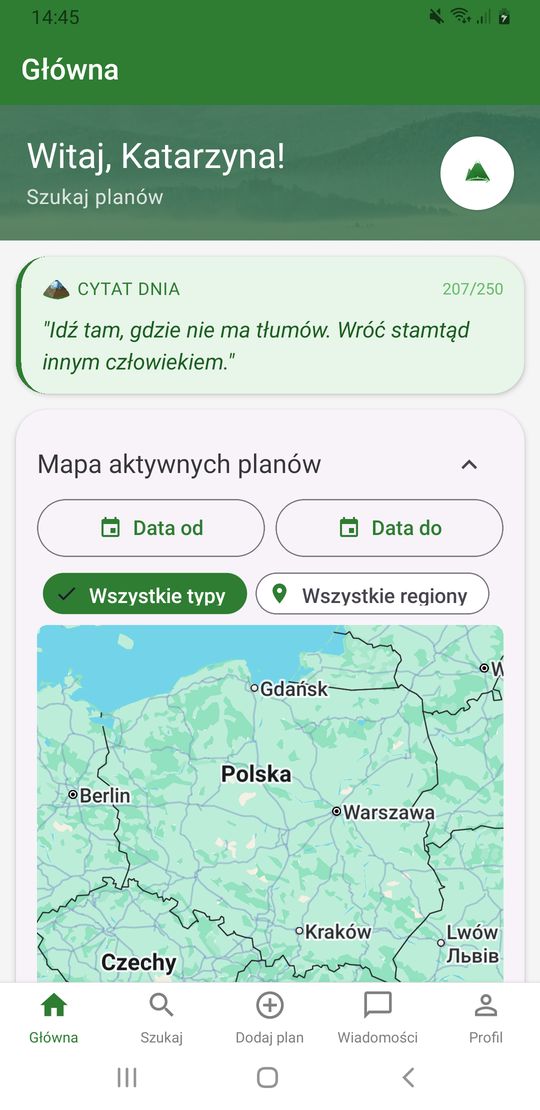
Tap New Plan in the bottom bar.
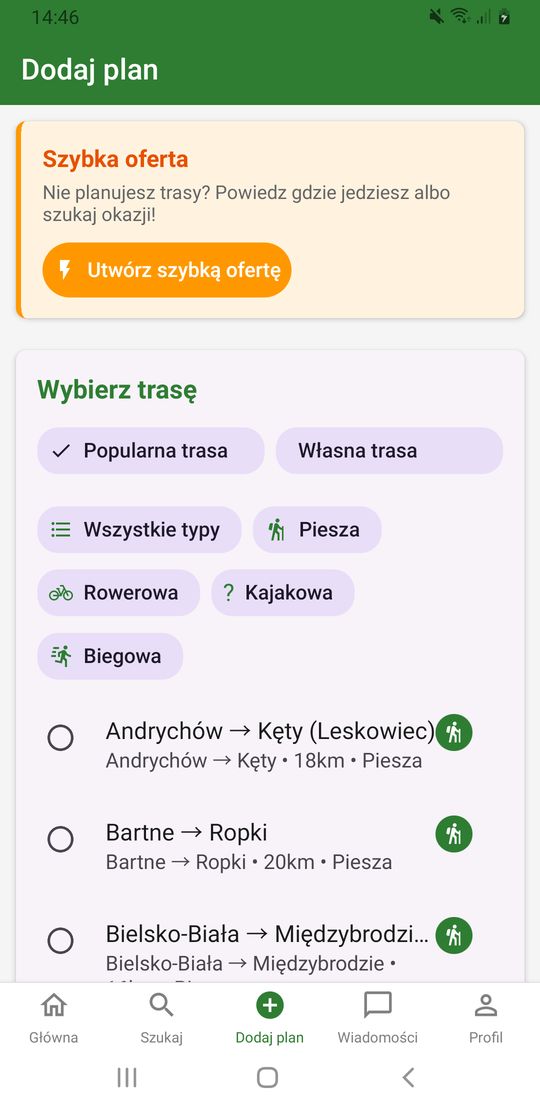
Choose a Popular route from the list or set a Custom Route.
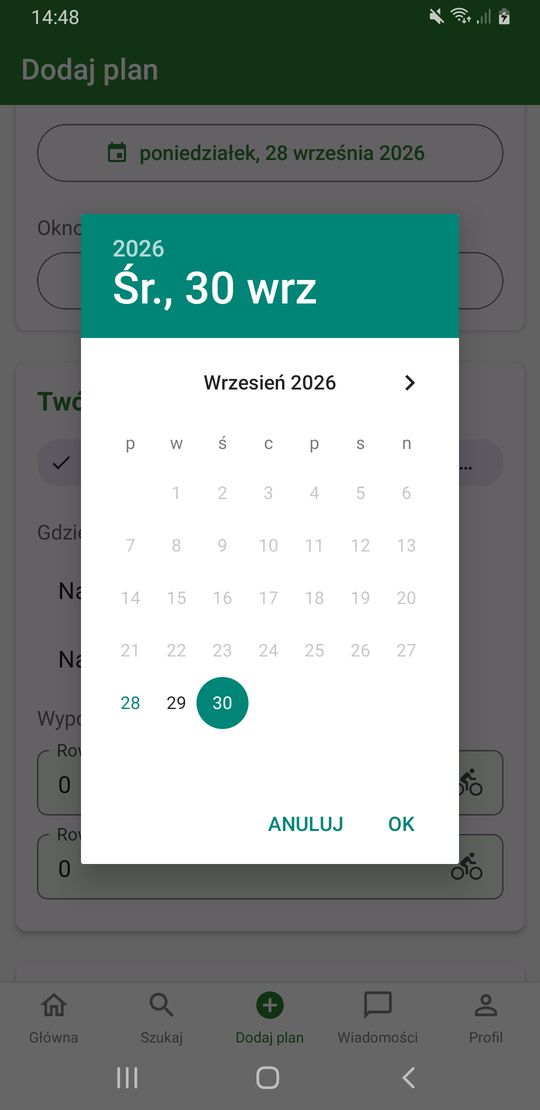
Pick the day of your trip in the calendar and tap OK. Then set your departure time window.
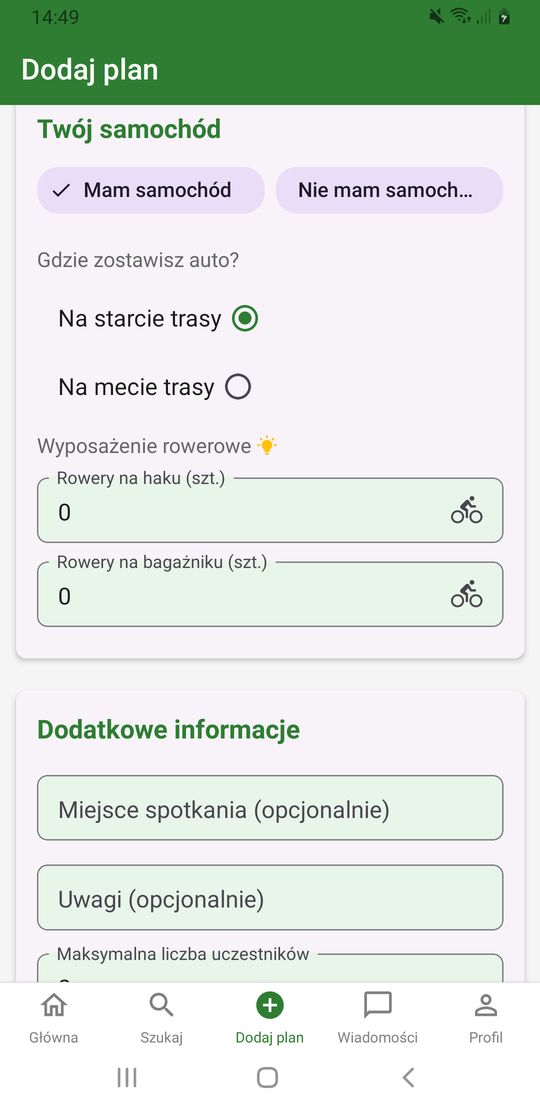
Have a car? Tap I have a car and choose whether you'll leave it at the start or at the end of the route.
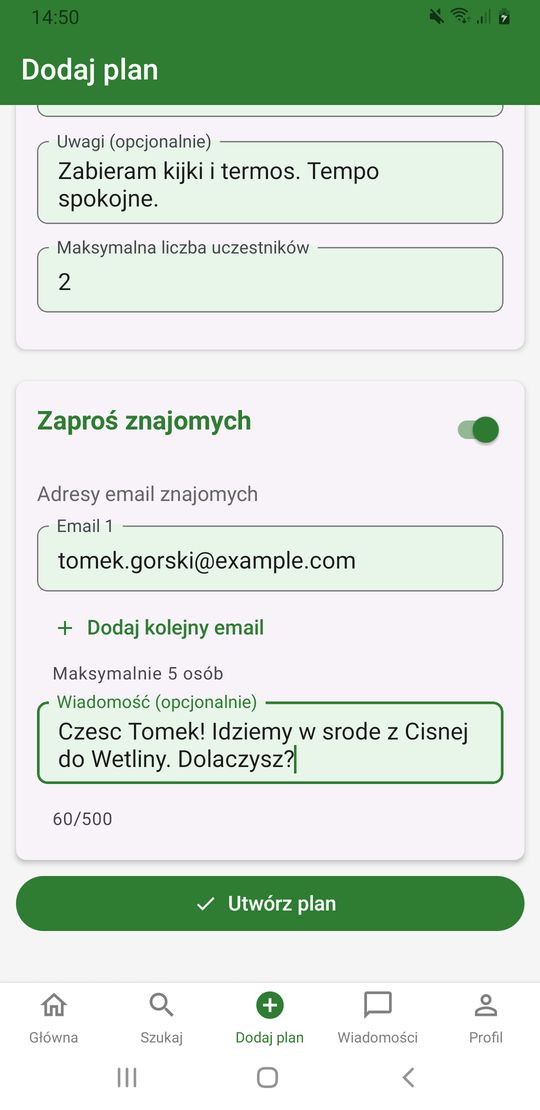
Add a meeting point and notes, then tap Create plan.
Want to bring someone along? In the plan form, turn on Invite Friends and enter email addresses (up to 5 people).
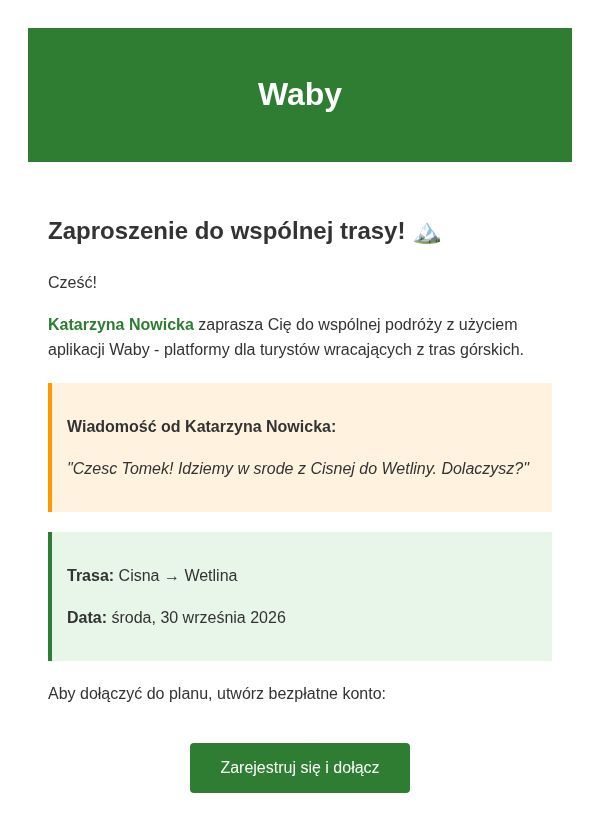
Your friend gets an invitation email. Without an account, they sign up with one button and join the plan right away.
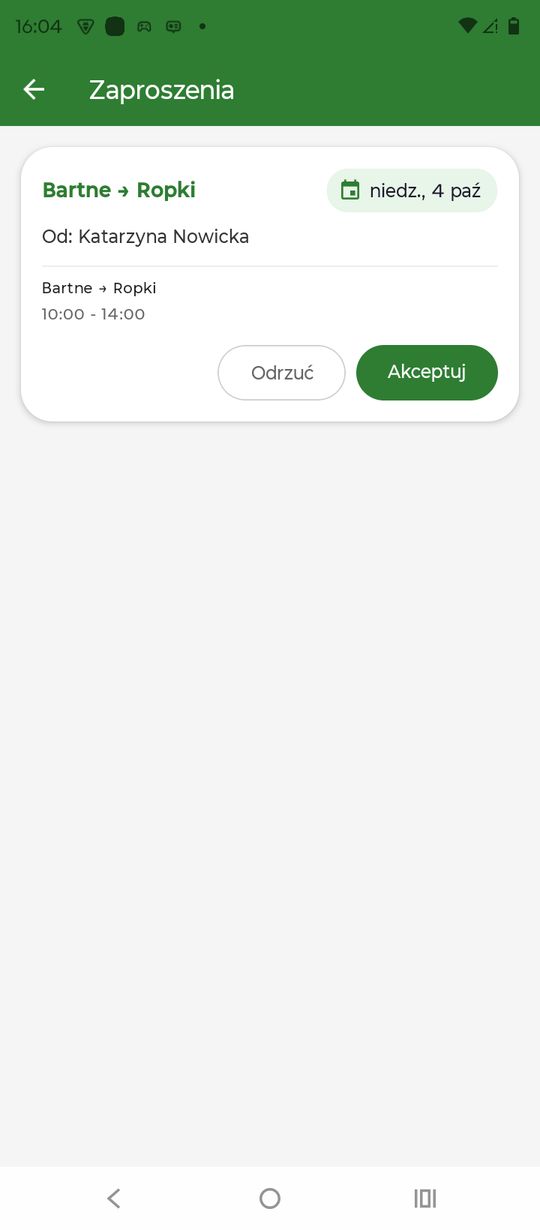
Invitations from others appear on the home screen and in Profile → Invitations. Tap Accept.
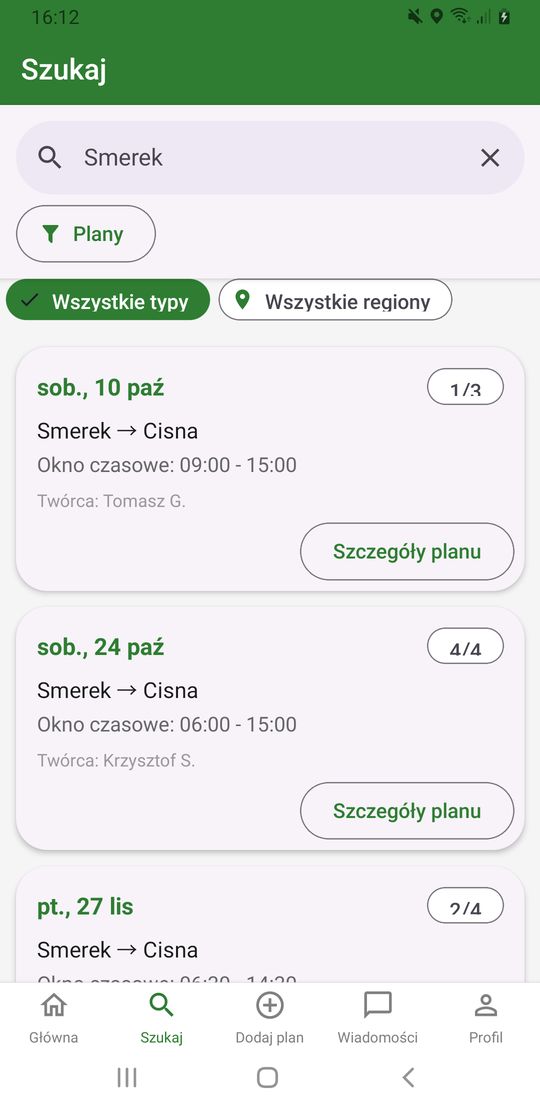
You can also find a trip yourself: in the Search tab, type a place and tap Plan Details.
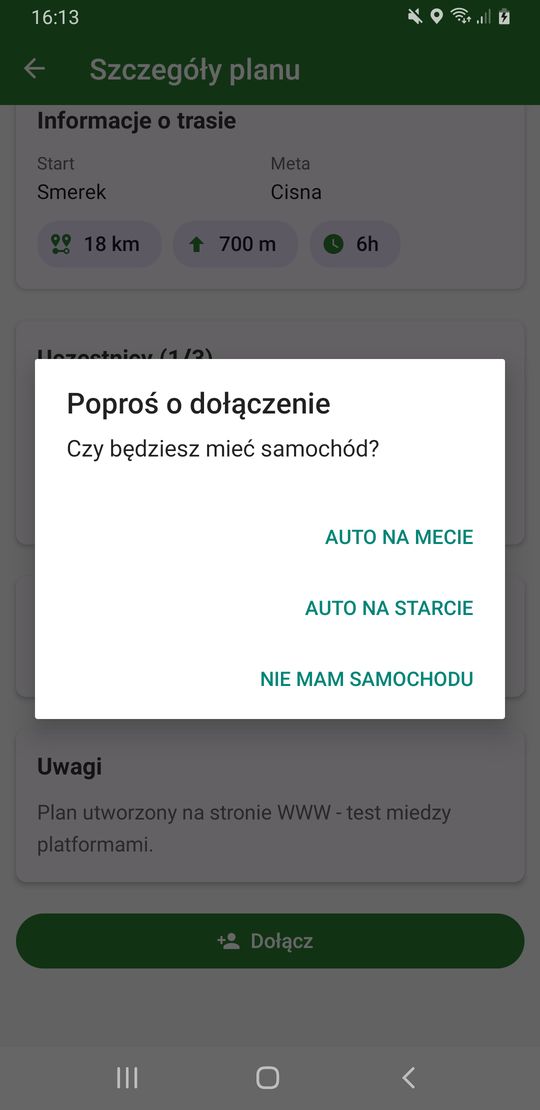
Tap Join and say whether you'll have a car. The organizer will accept your request.
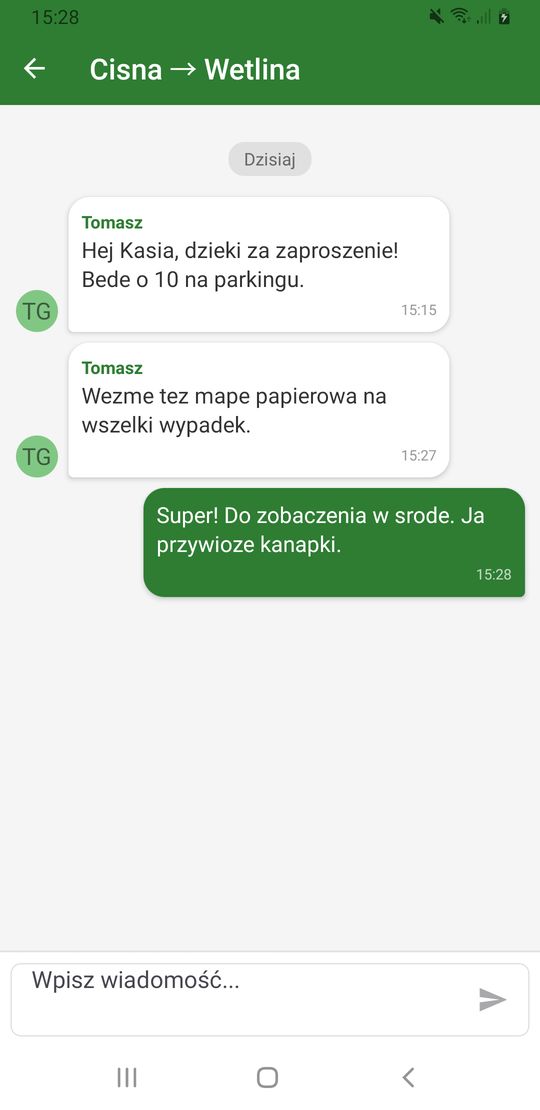
Agree on the details in the plan chat: type a message and tap the arrow.
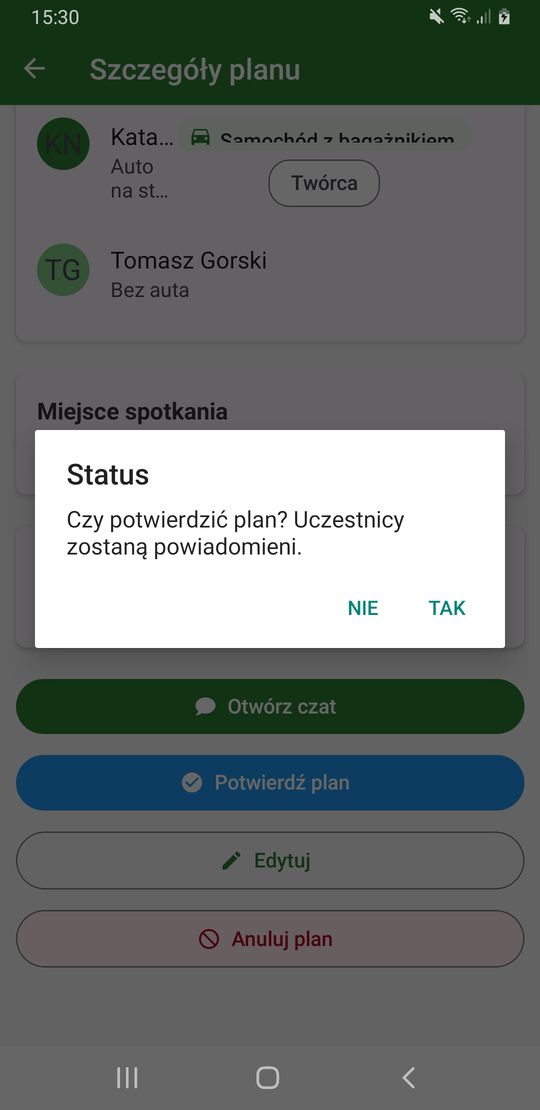
When the group is set, the organizer taps Confirm plan and Yes. Participants get a notification.
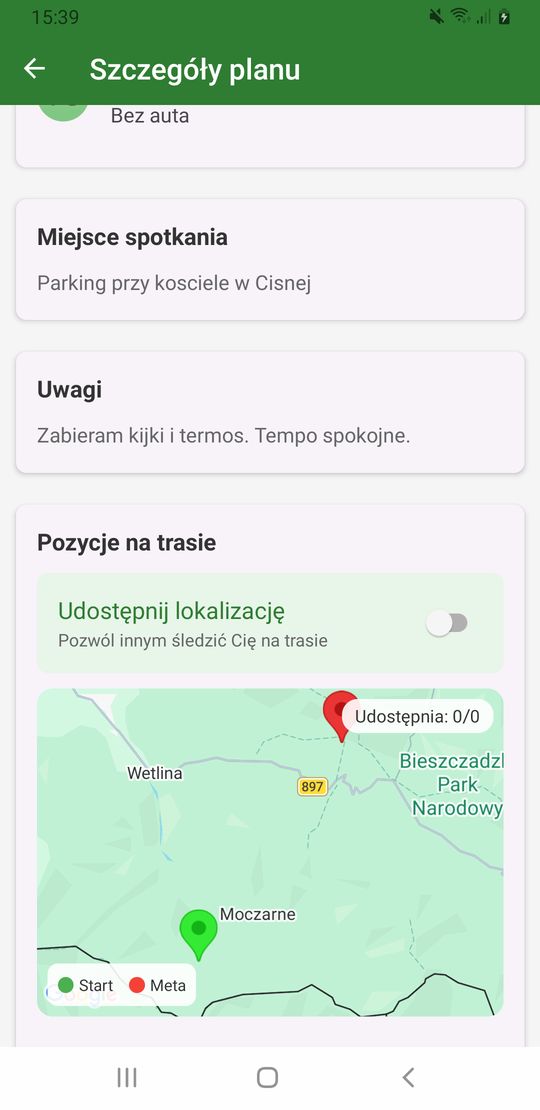
On the day of the trip, the organizer taps Start route. Turn on Share Location if you want others to see you on the map.
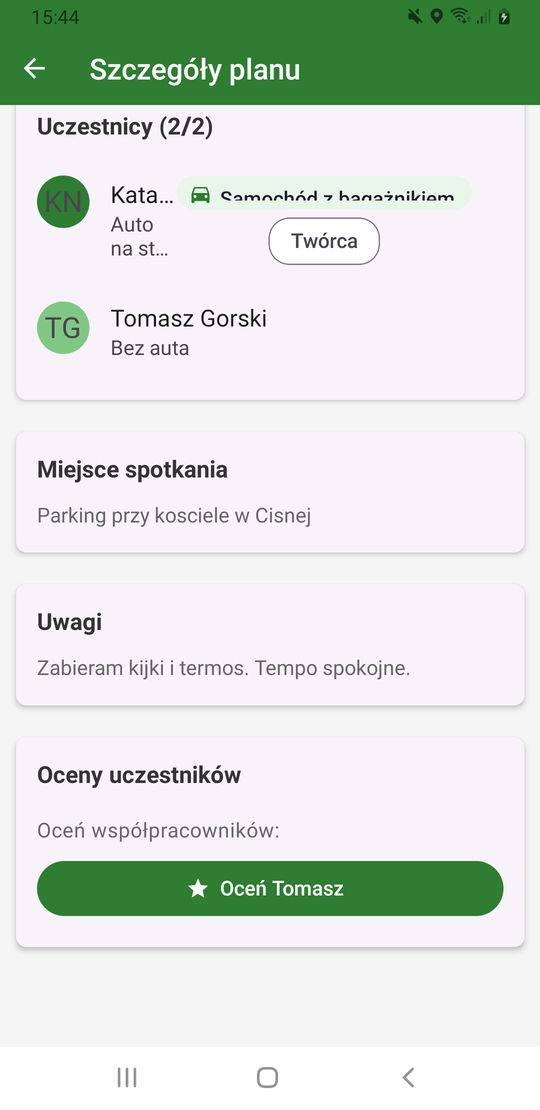
Back home, the organizer taps Complete Plan. A Rate button then appears next to each companion.
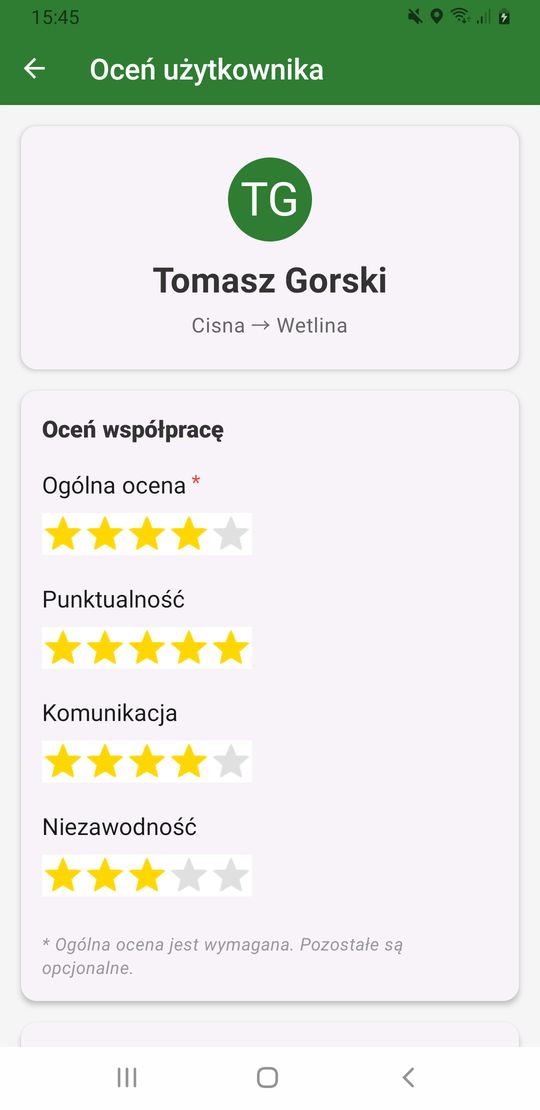
Choose the number of stars. The overall rating is required, the others are optional. Finally tap Submit Rating.
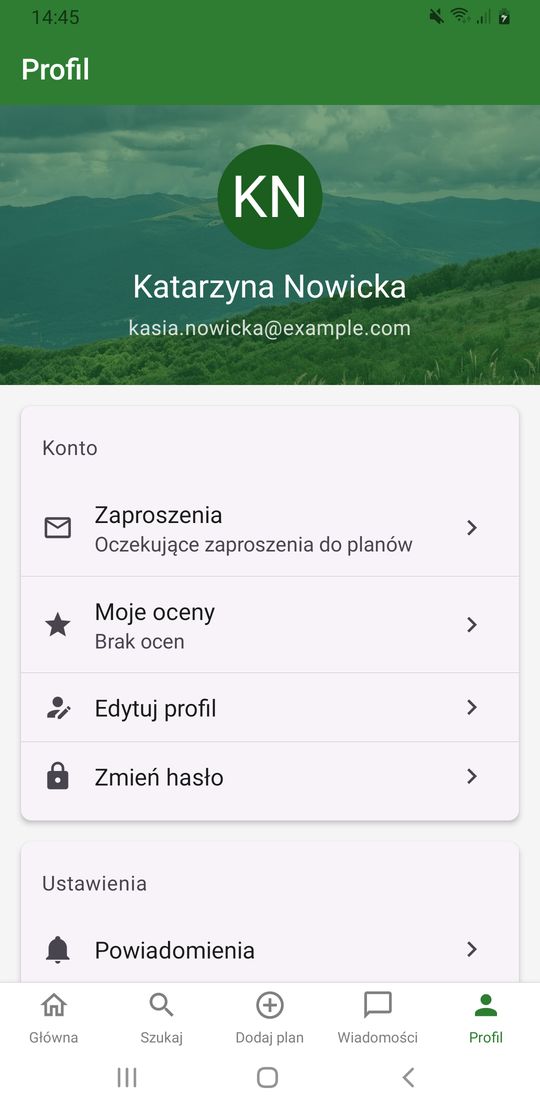
Ratings from your companions are in Profile → My Ratings.
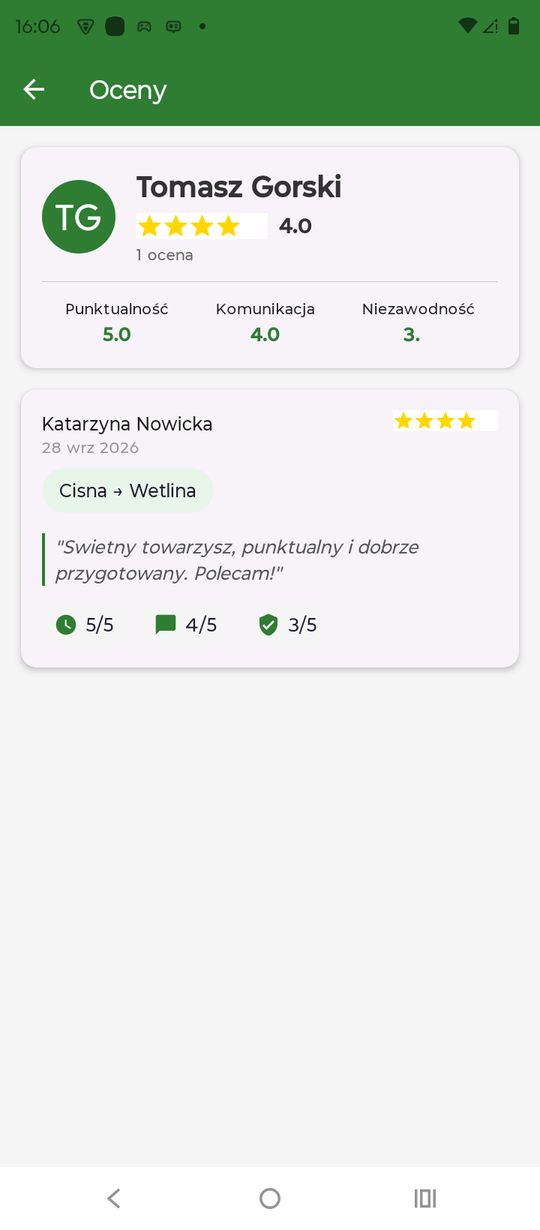
Here you see the average, detailed scores and comments. Good ratings build trust in the community.